Bad Signal by Default: Designing UK Apps for Trains, Basements and Barns
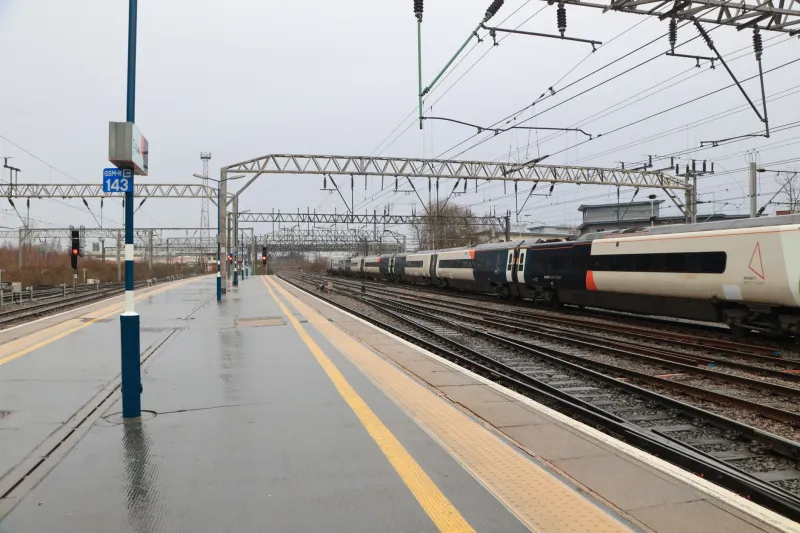
Every UK app team has a version of this story. The app works beautifully in the office. Then someone tries to book a delivery slot on a train between Reading and Paddington, or check a job sheet in a basement stockroom in Leeds, or update a field record on a farm outside Kendal. The spinner spins. The screen goes blank. The user gives up.
Bad connectivity is not an edge case in the UK. It is a normal operating condition. Designing for it is less about heroic engineering and more about admitting that the network is not a reliable dependency.
The office Wi-Fi test is a fantasy
Office Wi-Fi is fast, stable and emotionally reassuring. It is also nothing like the conditions your users meet. Commuter routes are crowded with contested spectrum. Listed buildings have thick walls and awkward planning constraints. Rural areas can have a strong signal on one network and nothing on another. Basements, lifts, car parks and train tunnels are part of the product landscape.
If your only test device is an iPhone on fibre, you are testing a demo, not an app.
Start offline-first, not offline-tolerant
Offline-tolerant means the app mostly assumes a connection and shows an error when it fails. Offline-first means the app can do useful work without a connection and reconcile later. That distinction changes the architecture.
Start by identifying the jobs users need to complete in a dead zone: viewing a schedule, capturing a photo, recording a signature, drafting a note, scanning a barcode, checking a price. Store that data locally in a structured way. Queue writes for later. Make reads work from the local cache first, then refresh in the background.
This does not mean building a distributed database for a sandwich-ordering app. It means choosing the smallest offline scope that protects the core task. A delivery app might need offline proof of delivery. A field service app might need offline job notes. A consumer app might only need a readable last-known state.
Make the interface honest
Users forgive a lot if they know what is happening. Show connection state, but do not nag. A small status line is better than a modal every thirty seconds. When an action is queued, say so clearly: saved on this device, will send when back online. When data is stale, label it. When a sync fails, explain what the user can do.
Optimistic UI helps here. If someone taps save, update the interface immediately and put the write in a queue. The app feels responsive even when the network is not. The trade-off is that you must handle the case where the write eventually fails. That means a visible pending state, a retry path and a way to resolve conflicts without blaming the user.
Sync without the drama
Sync is where optimistic interfaces go to die. Two devices edit the same record. A queued action arrives after a later change. A server rejects a write because the record moved on. Without a policy, the app either loses data or creates a mess.
Decide the conflict rule per data type. Last-write-wins is fine for low-stakes preferences. It is terrible for stock levels or appointment times. For those, use version numbers, timestamps from the server, or a simple review queue. Keep writes idempotent so a retry does not create duplicate orders. Add a client-generated identifier for each queued action and let the server recognise repeats.
Do not over-engineer this on day one. A clear policy for the three most important records beats a clever generic sync engine nobody can debug.
Cache like you mean it
Caching is not a single switch. Use stale-while-revalidate for content that can be a few minutes old. Set sensible expiry times. Cache images at the right size so a user on a weak signal is not downloading a hero image designed for a desktop. Encrypt local data if it contains personal or commercial information. Respect storage limits and clear old records.
Also cache the boring bits: country lists, product categories, forms, help text and the last successful response for key screens. A user in a basement should still be able to open the app and see something useful.
Test where your users actually are
Network testing should be part of launch readiness, not a post-launch surprise. Use throttling profiles that mimic slow 3G, high latency and packet loss. Test airplane mode at the worst possible moment. Try a captive portal on a train. Walk into a lift. Try a device that has been asleep for an hour.
Then go outside. A short field test on a commuter route or in a rural area will teach you more than a week of office QA. Take real devices on different networks. Ask actual users to complete the core task while the signal drops.
Ship for the 20% case
The UK does not have a single connectivity experience. It has thousands of local ones. Designing for the bad moments is not a niche optimisation. It is how you make an app feel dependable.
Build for the train, the basement and the farm. The office Wi-Fi will take care of itself.